- HR & Recruitment
- Single-page
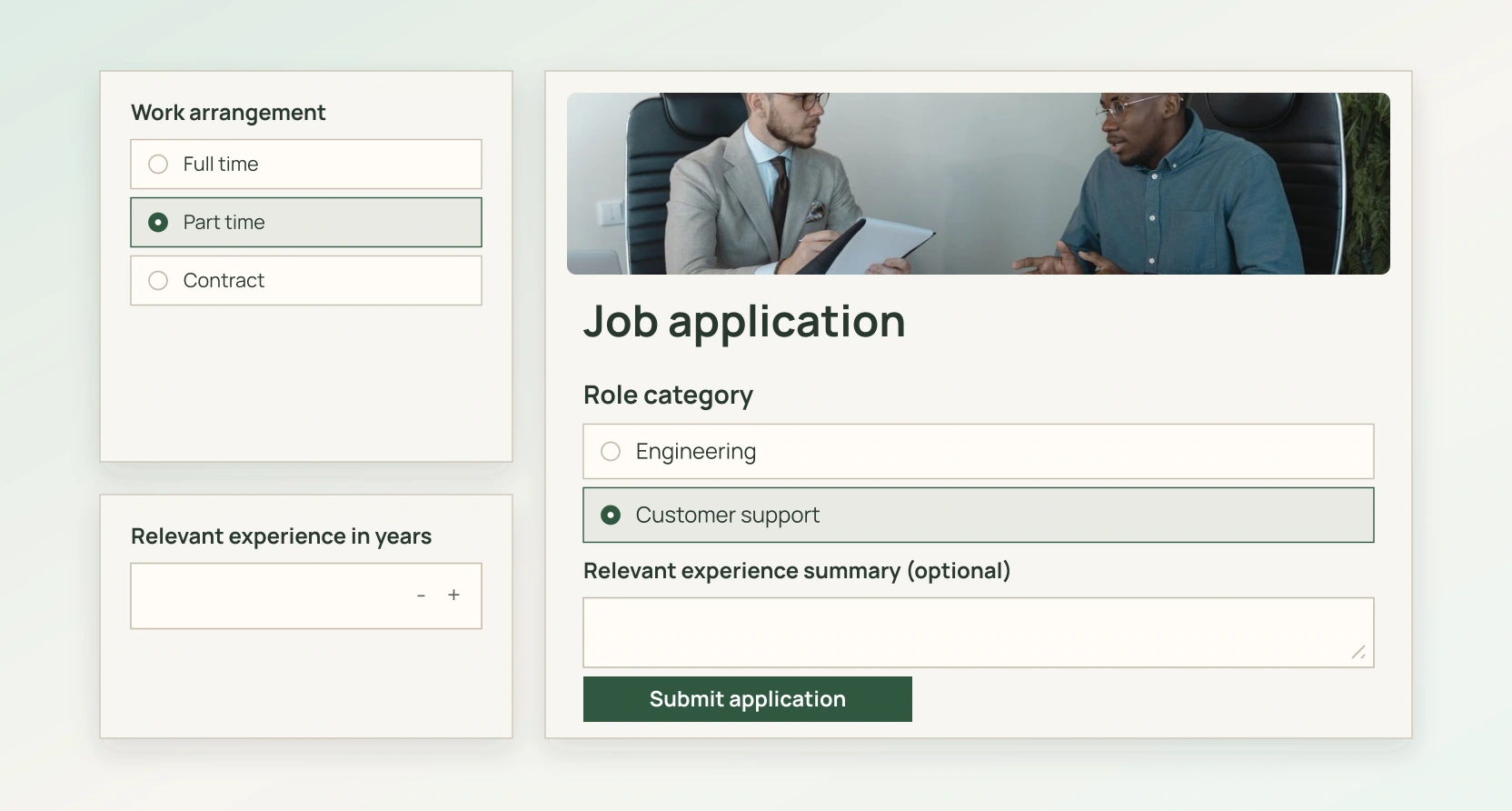
Job application
Collect candidates' relevant experience and availability in one application.
- 5forms
- 54questions
- Freeon every plan
Opens in the builder, fully editable. No card required.
Inside the template
5 forms, ready to import
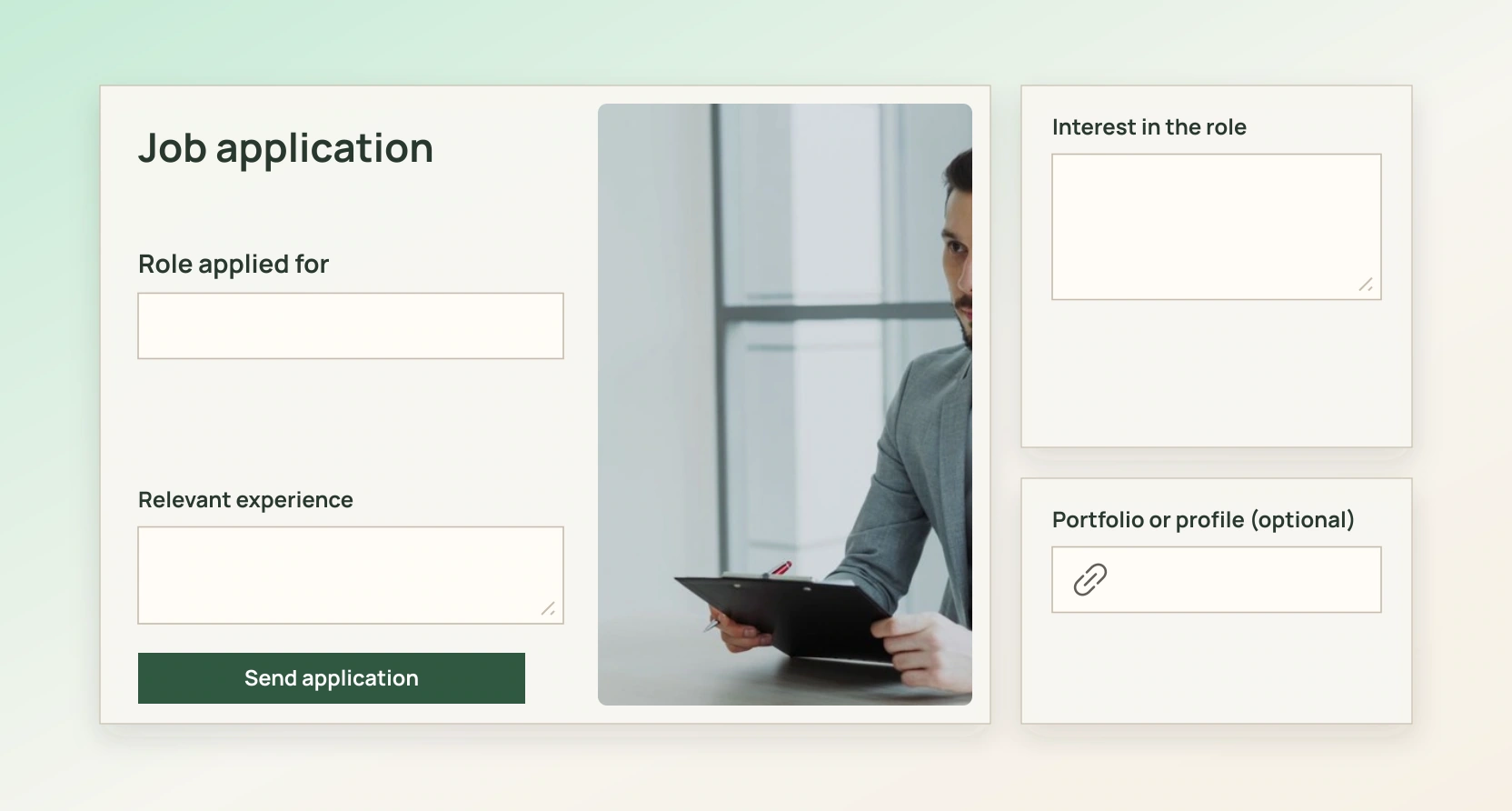
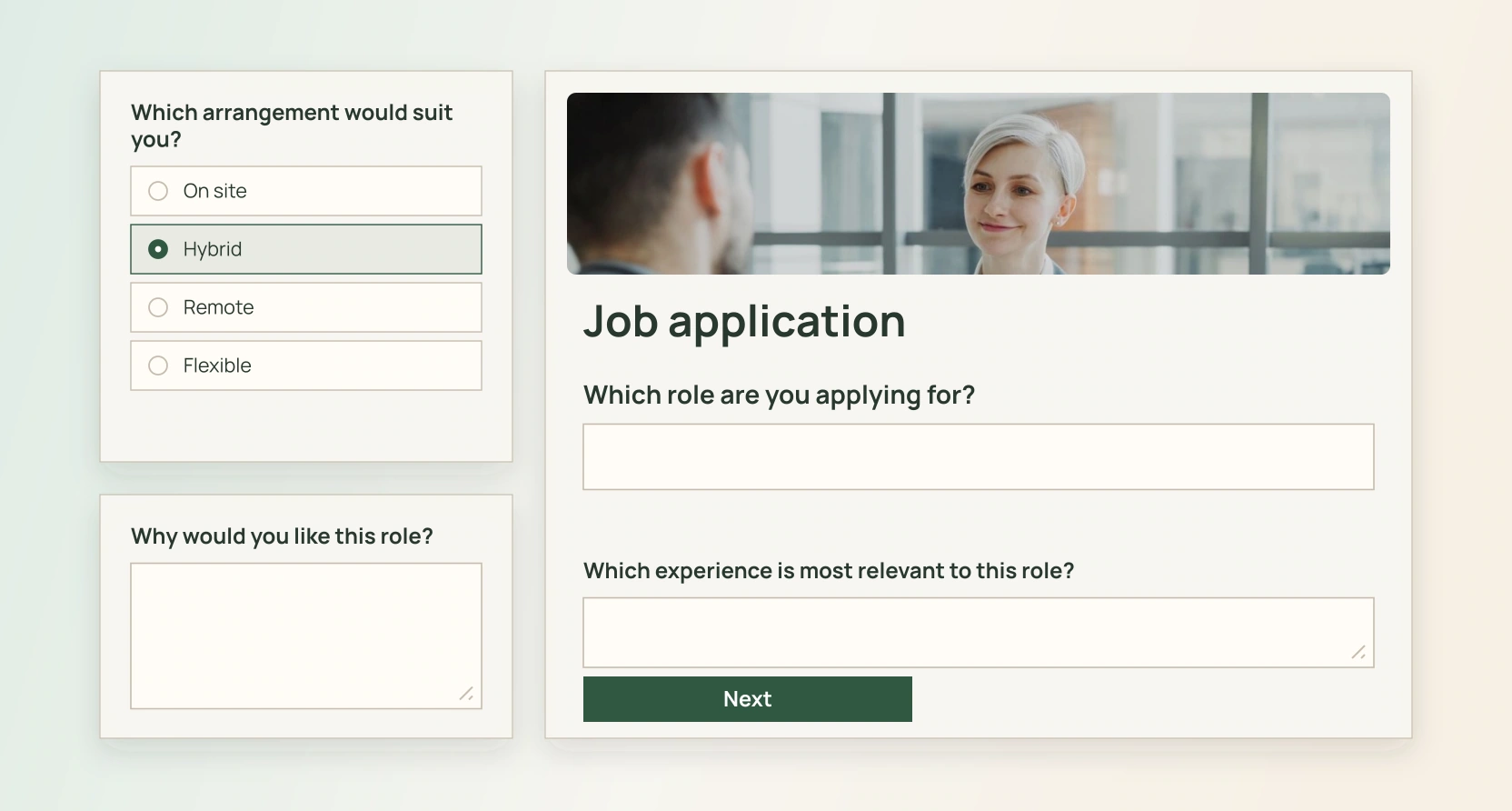
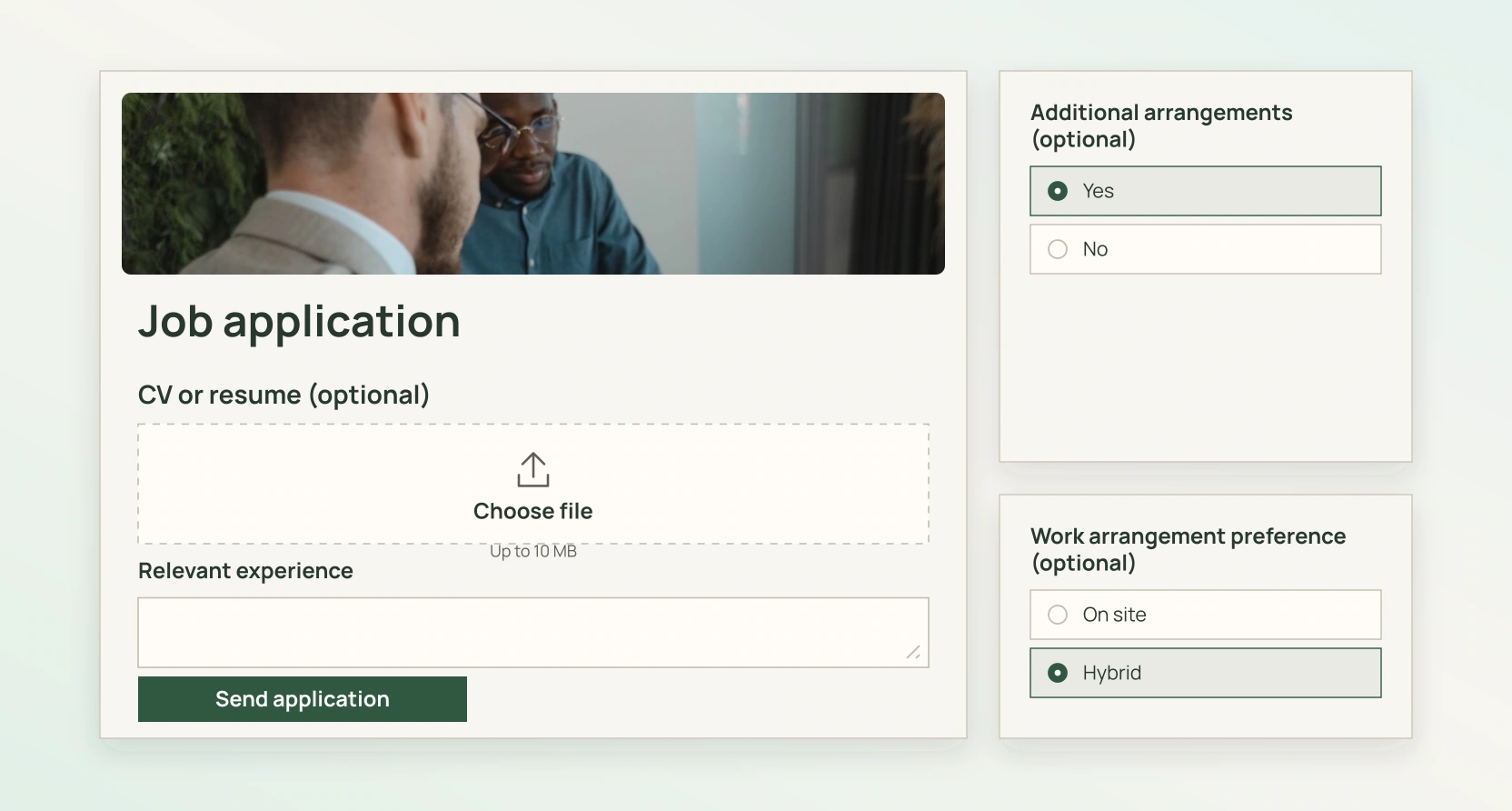
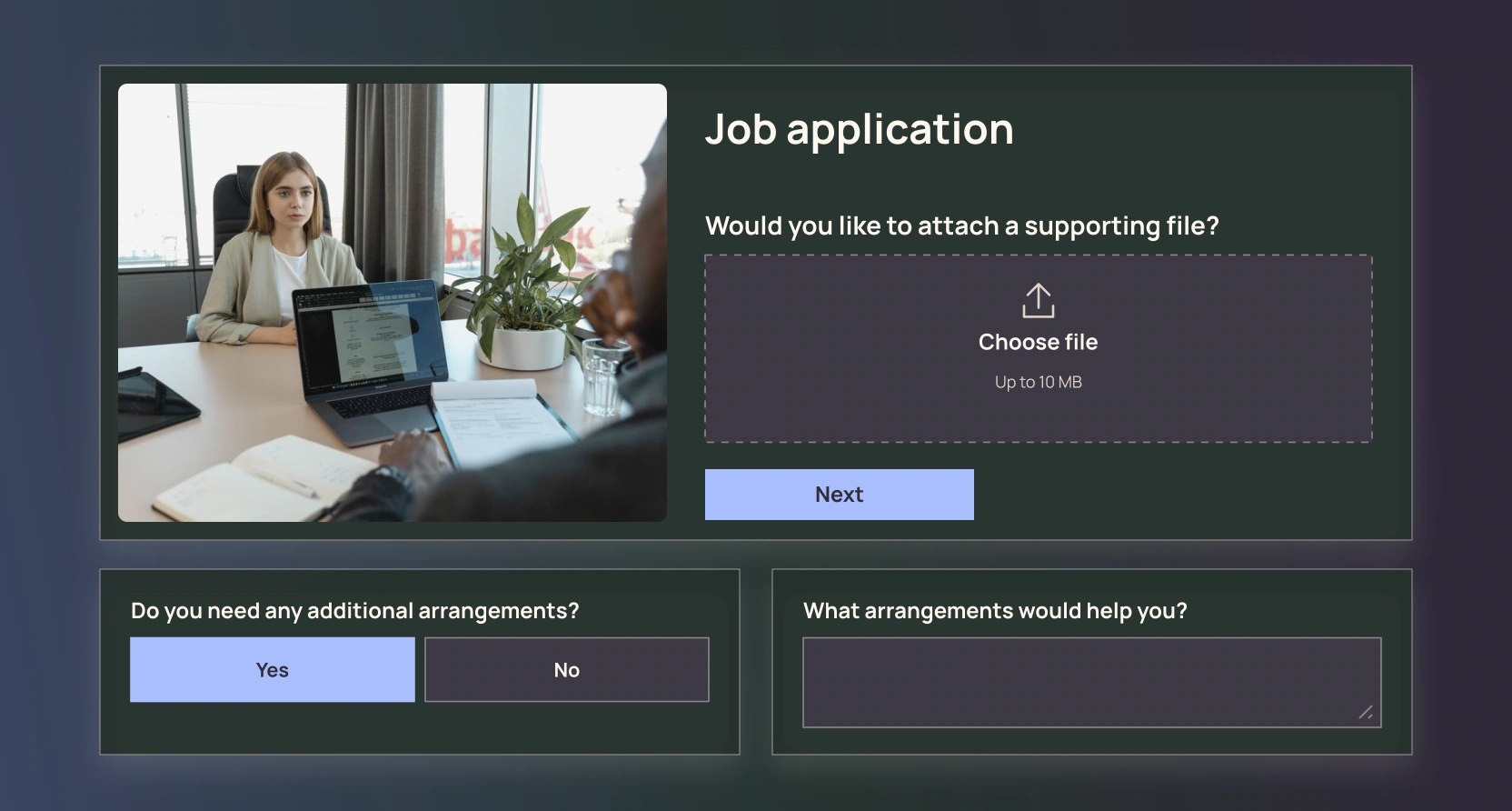
Each form has its own page with a live preview and the full list of questions. Import the one you need; every question is editable.
Why this one works
Built around how people actually answer
Scattered messages make it difficult to compare submissions or understand what is missing. Collect candidates' relevant experience and availability in one application.
The attached forms collect role applied for, full name, email address, relevant experience, interest in the role. The Essentials version keeps the request short. The Standard version uses a conversational flow. Complete adds optional context and relevant follow-up questions. Choose the version that fits the work rather than asking everyone for every possible detail.
Review submissions before acting on them. Connect the suggested services only if your workflow needs them; this template does not activate notifications or integrations automatically.
The hiring pipeline variant is designed for Notion. Connect your own account after importing, then apply the included field mapping and test a completed response.
Make it yours
Three things worth changing first
Put your brand on it
Swap the theme, drop in your logo and typeface, or lock it all with a brand kit so every form matches.
Change what the logic does
Edit the branches on any question, or add your own conditions so the follow-ups fit how you work.
Send it where you work
Push responses to Slack, a spreadsheet or your CRM the moment they land, with no export step.
Questions about this template
Is the Job application template free to use?
Yes. The Job application template opens in the builder on the free plan. Some fields, such as payments or file uploads, need a paid plan to publish.
What is in the Job application template?
5 forms with 54 questions between them: Job application, Job application, guided, Job application, detailed, Job application, in depth, Job application: Hiring pipeline. Import the one you need; every question is editable.
Can I switch it to conversational?
Yes. Either experience works with the same questions; switch it from the form's design settings at any time.
Where do Job application responses go?
Into your Onlyform workspace, and from there to Slack, Google Sheets, Notion, your CRM or any endpoint via integrations.
More in hr & recruitment
See all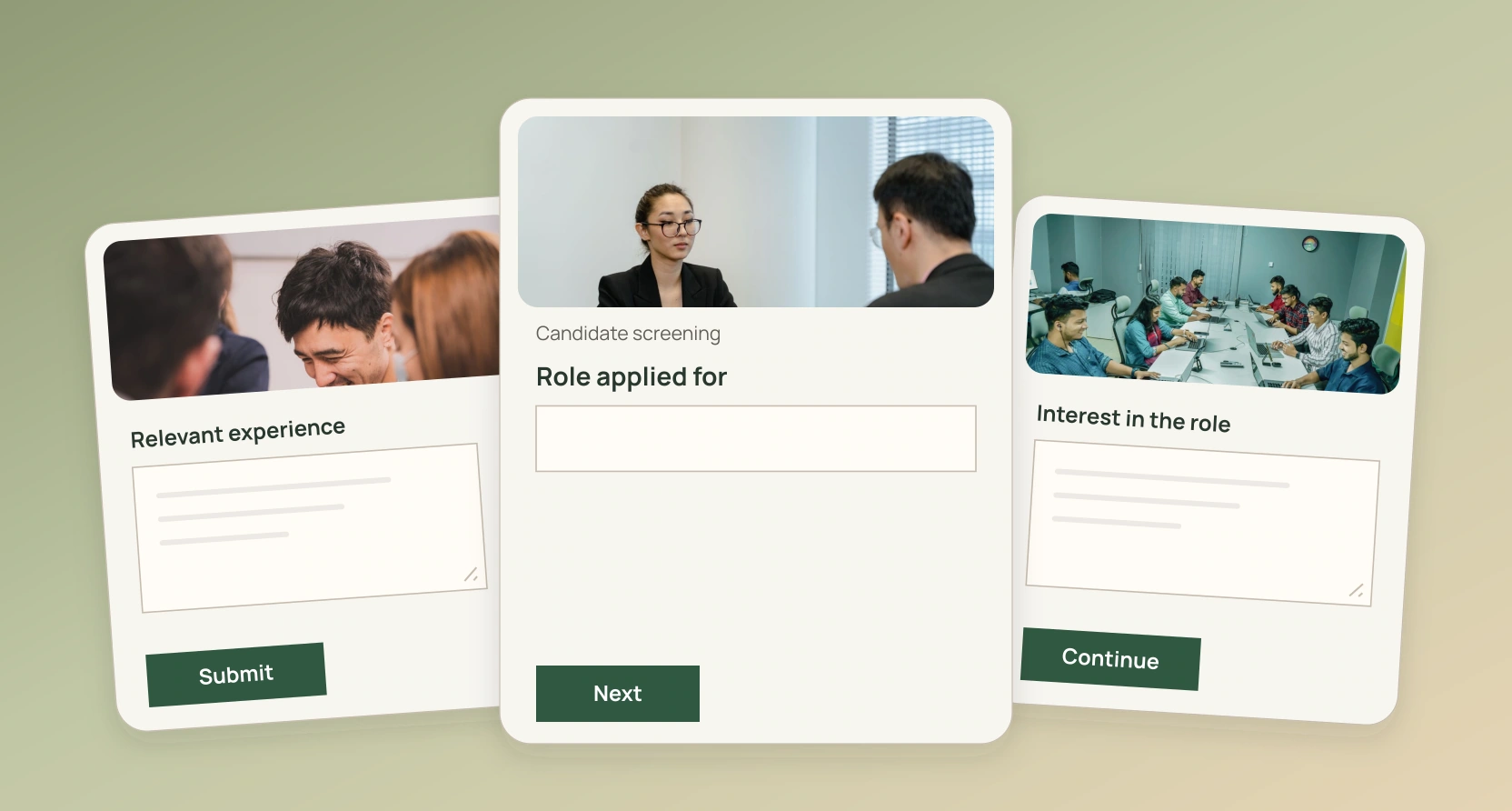
Candidate screening
Collect role-specific evidence before inviting a candidate to interview.
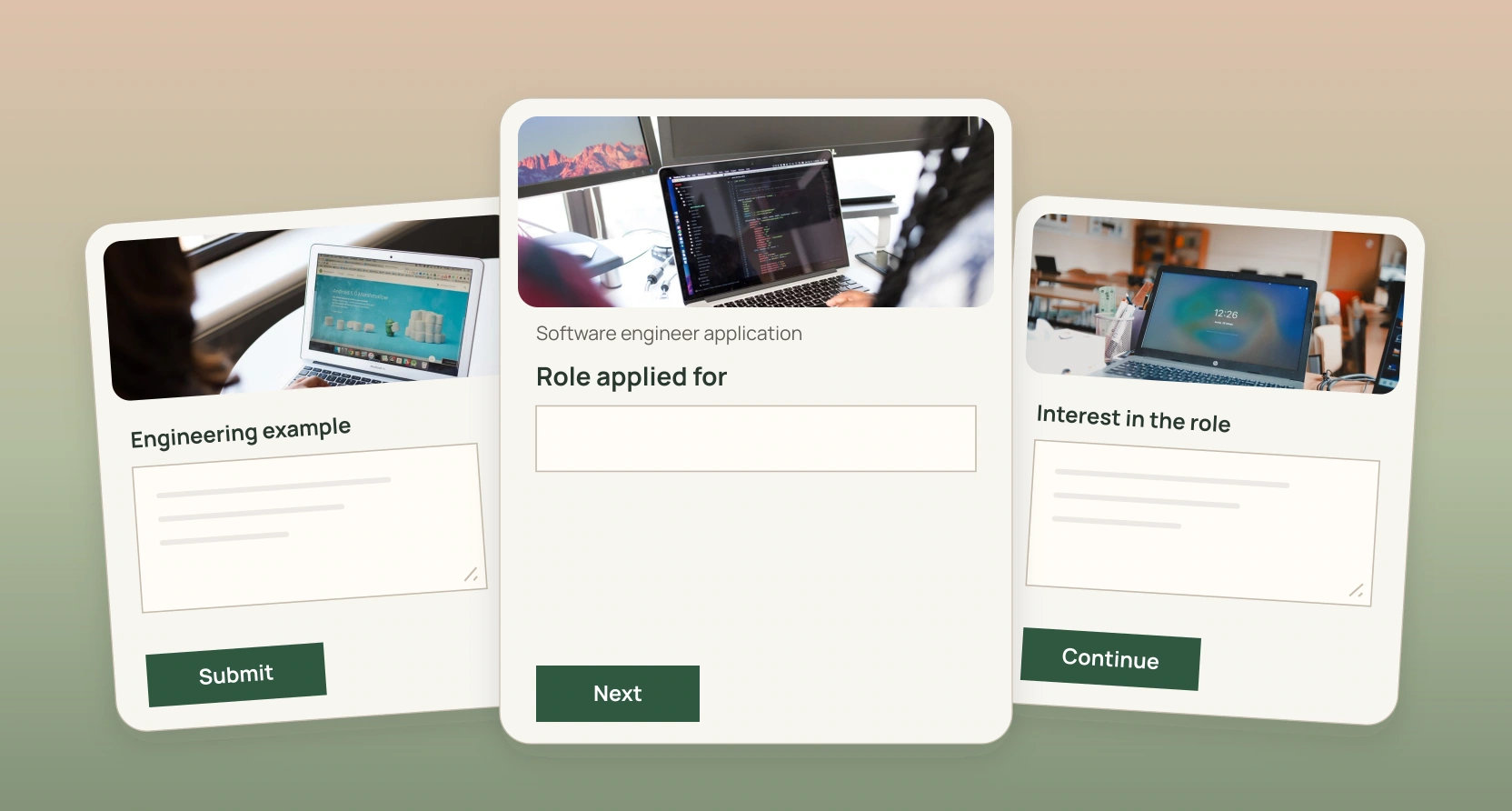
Software engineer application
Review engineering experience and work samples before an interview.
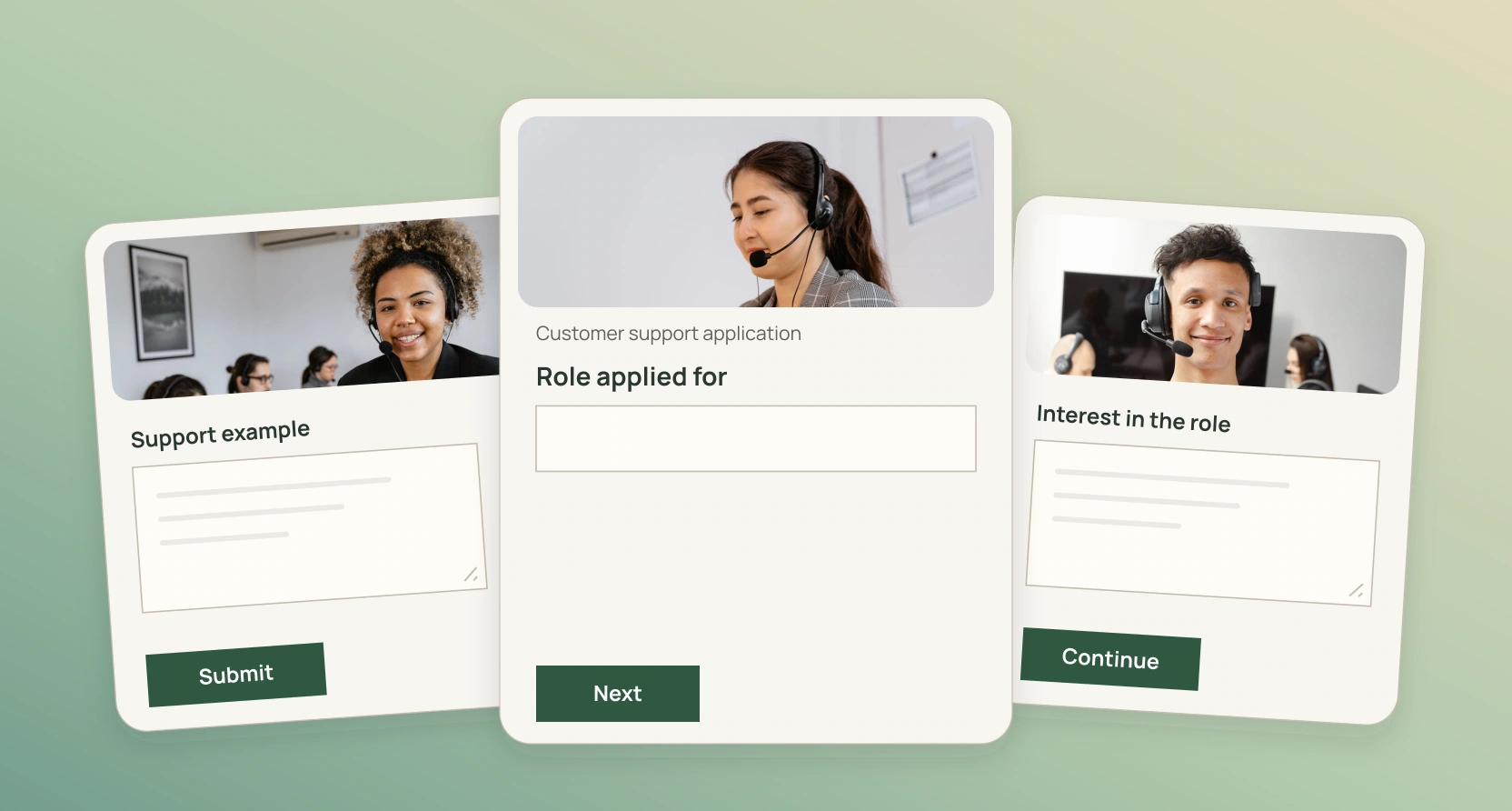
Customer support application
Collect evidence of communication and problem-solving experience.
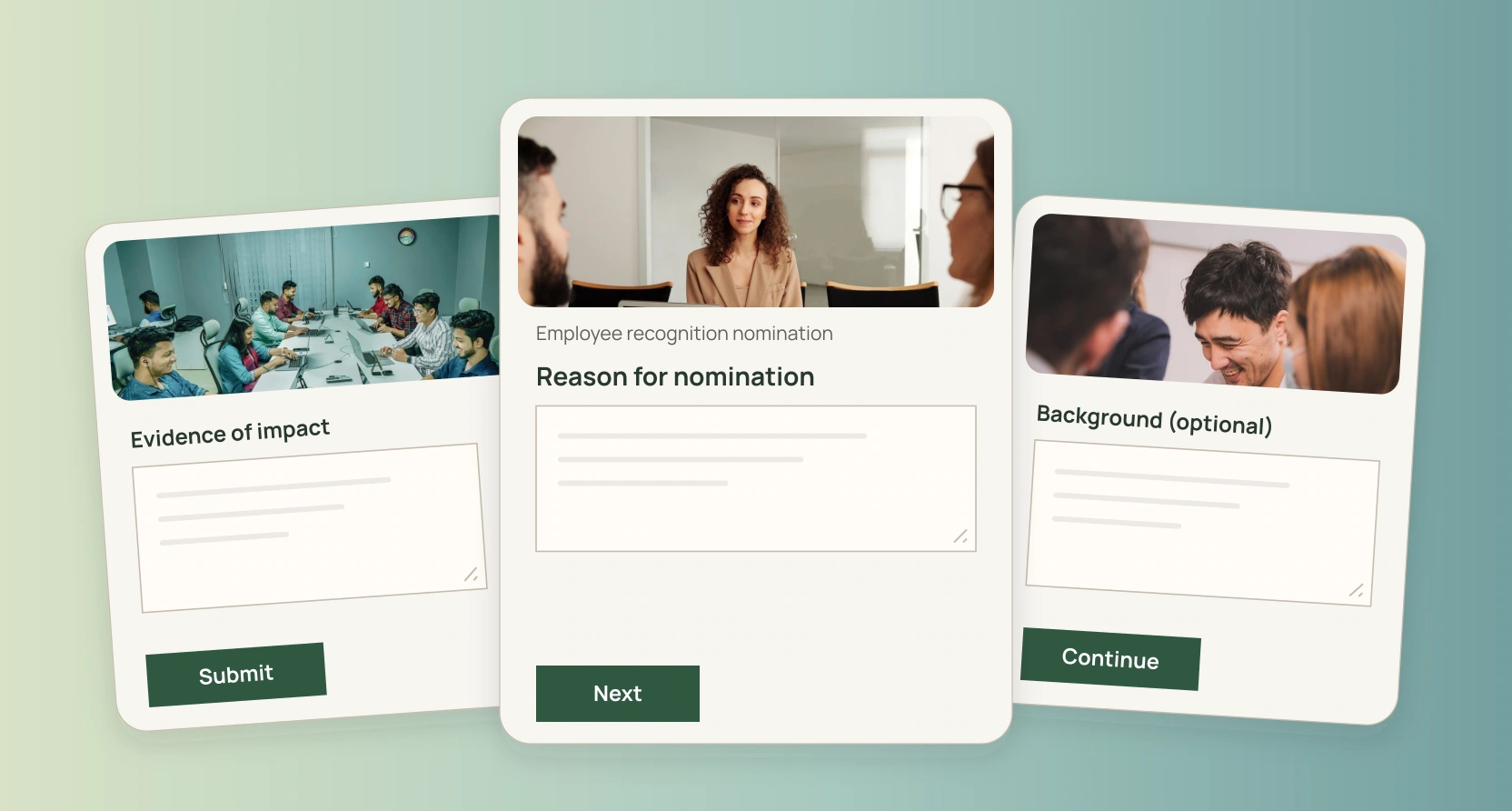
Employee recognition nomination
Collect specific examples behind an employee recognition nomination.
Use this template in your workspace
It opens in the builder, fully editable. Free forever plan, no card required.