- HR & Recruitment
- Single-page
Job application, detailed
Collect candidates' relevant experience and availability in one application.
- 14questions
- ~5 minto complete
- Freeon every plan
Opens in the builder, fully editable. No card required. Part of the Job application template with 4 other forms.
What is inside
14 questions, ordered so the easy ones come first. Every one is editable: delete what you do not need and add your own.
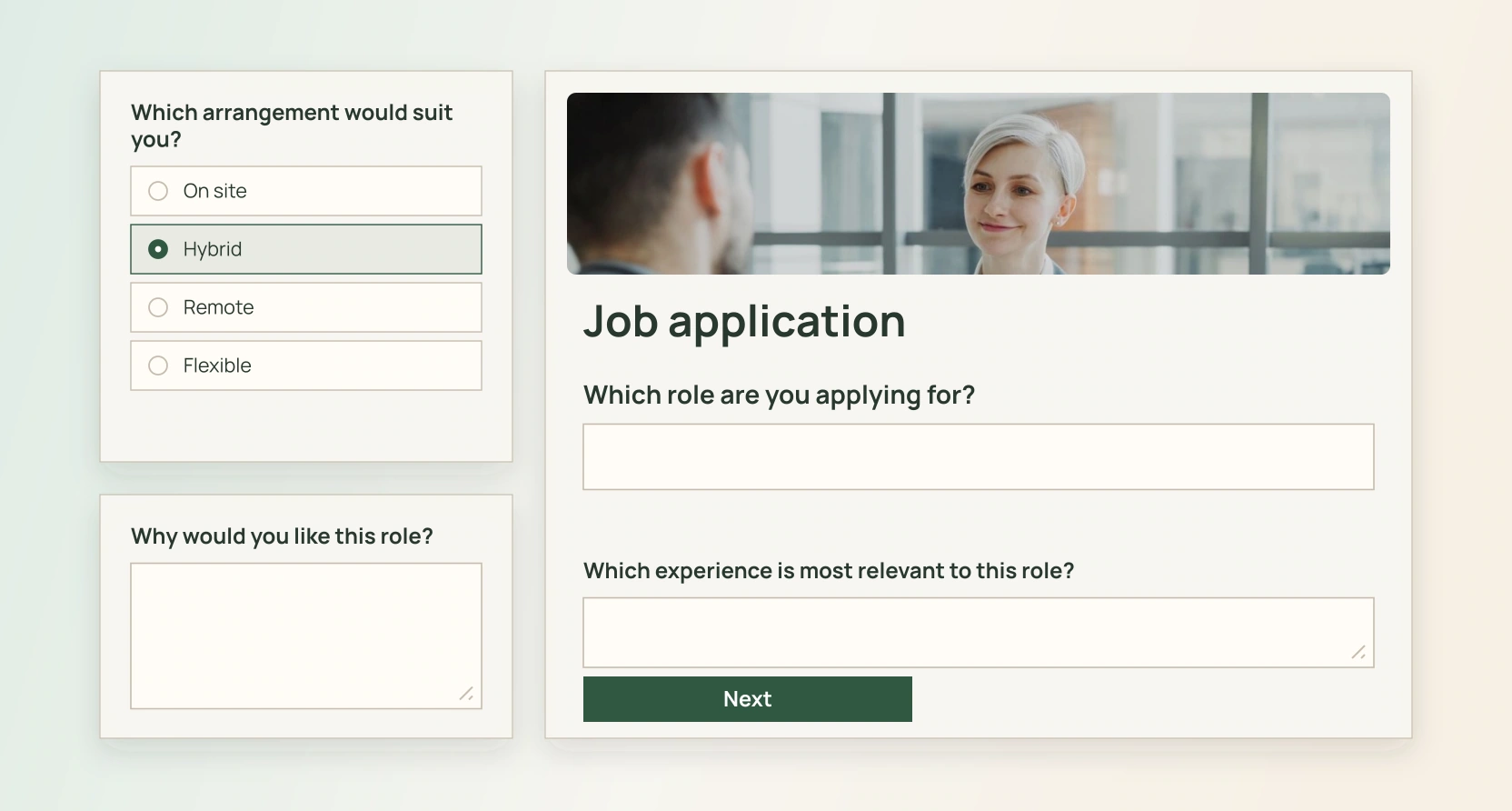
- 1Role applied forShort text
- 2Relevant experienceLong text
- 3Interest in the roleLong text
- 4Portfolio or profile (optional)Website
- 5Relevant skillsLong text
- 6Work arrangement preference (optional)Multiple choice
- 7Working location (optional)Short text
- 8Salary expectation (optional)Short text
- 9Earliest start (optional)Date
- 10Full nameShort text
- 11Email addressEmail
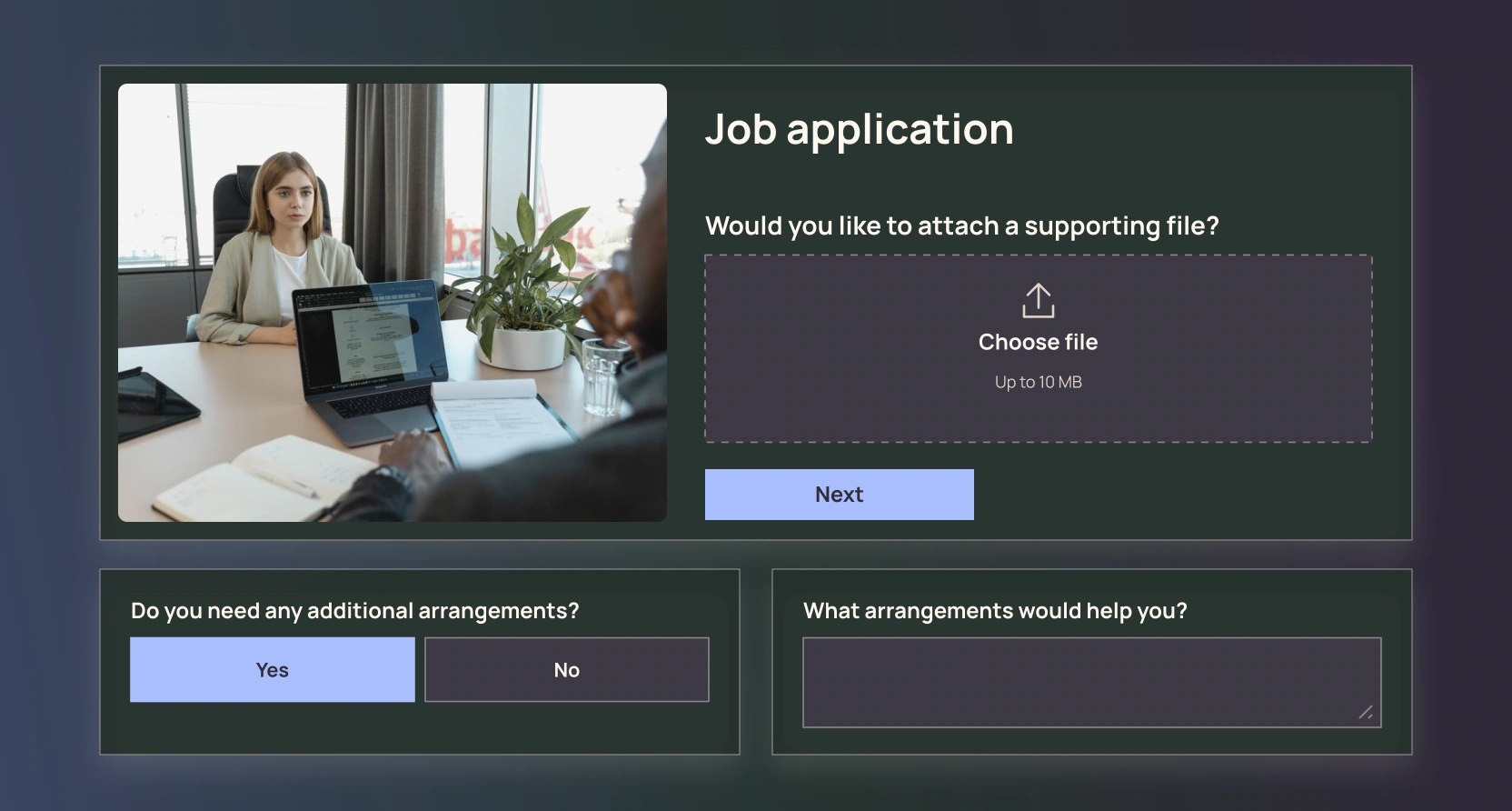
- 12Additional arrangements (optional)Yes / No
- 13Arrangements needed (optional)Long text
- 14CV or resume (optional)File upload
Make it yours
Three things worth changing first
Put your brand on it
Swap the theme, drop in your logo and typeface, or lock it all with a brand kit so every form matches.
Change what the logic does
Edit the branches on any question, or add your own conditions so the follow-ups fit how you work.
Send it where you work
Push responses to Slack, a spreadsheet or your CRM the moment they land, with no export step.
Questions about this form
Is the Job application, detailed form free to use?
Yes. It opens in the builder on the free plan as part of the Job application template. Some fields, such as payments or file uploads, need a paid plan to publish.
Can I edit the questions in Job application, detailed?
Everything is editable: reorder, rename, delete or add any of its 14 questions, and change the logic between them.
Can I switch it to conversational?
Yes. Either experience works with the same questions; switch it from the form's design settings at any time.
Where do Job application, detailed responses go?
Into your Onlyform workspace, and from there to Slack, Google Sheets, Notion, your CRM or any endpoint via integrations.
More forms in Job application
See the template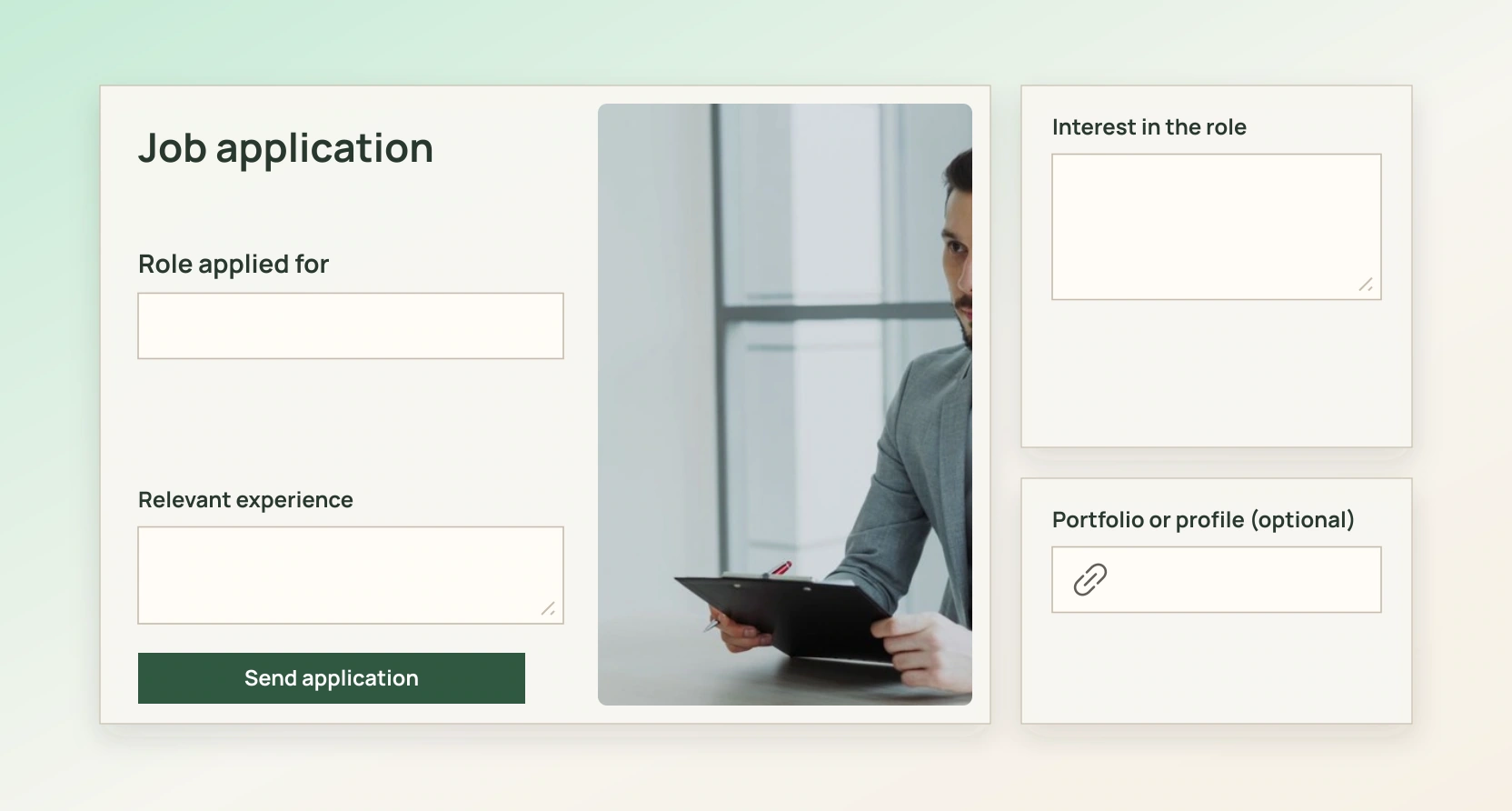
Use this form in your workspace
It opens in the builder, fully editable. Free forever plan, no card required.